
Guide · October 2026
QR Code for Wedding Pictures: How to Make One
A QR code on every table is the simplest way to get your guests' photos: they scan it with their phone camera, upload, and everything lands in one album. Here is how to set one up — the free ways, the paid ways, and the mistakes that leave couples with a code nobody can use.
The short answer
Create a shared album guests can upload to from a browser, turn its upload link into a static QR code, test it on an iPhone and an Android phone, and print it at least 1 inch wide on your table cards and signs. Free shared albums work for small, tech-savvy crowds; a wedding photo app is easier for everyone else.
Step by step
- 1
Choose where the photos will go
Pick a shared album that guests can upload to from a phone browser: a free shared album (Google Photos, iCloud, a Dropbox file request) or a wedding photo app built for it.
- 2
Get the upload link
Copy the link that opens the upload page. Dedicated wedding apps generate the QR code for you; with a free album you paste the link into a QR code generator.
- 3
Create the QR code
Use a static QR code (it never expires) or the code your album service provides. Download it as a high-resolution image.
- 4
Test it on two phones
Scan it with an iPhone and an Android phone, upload a test photo and a video, and check they arrive in the album.
- 5
Print it and place it where guests wait
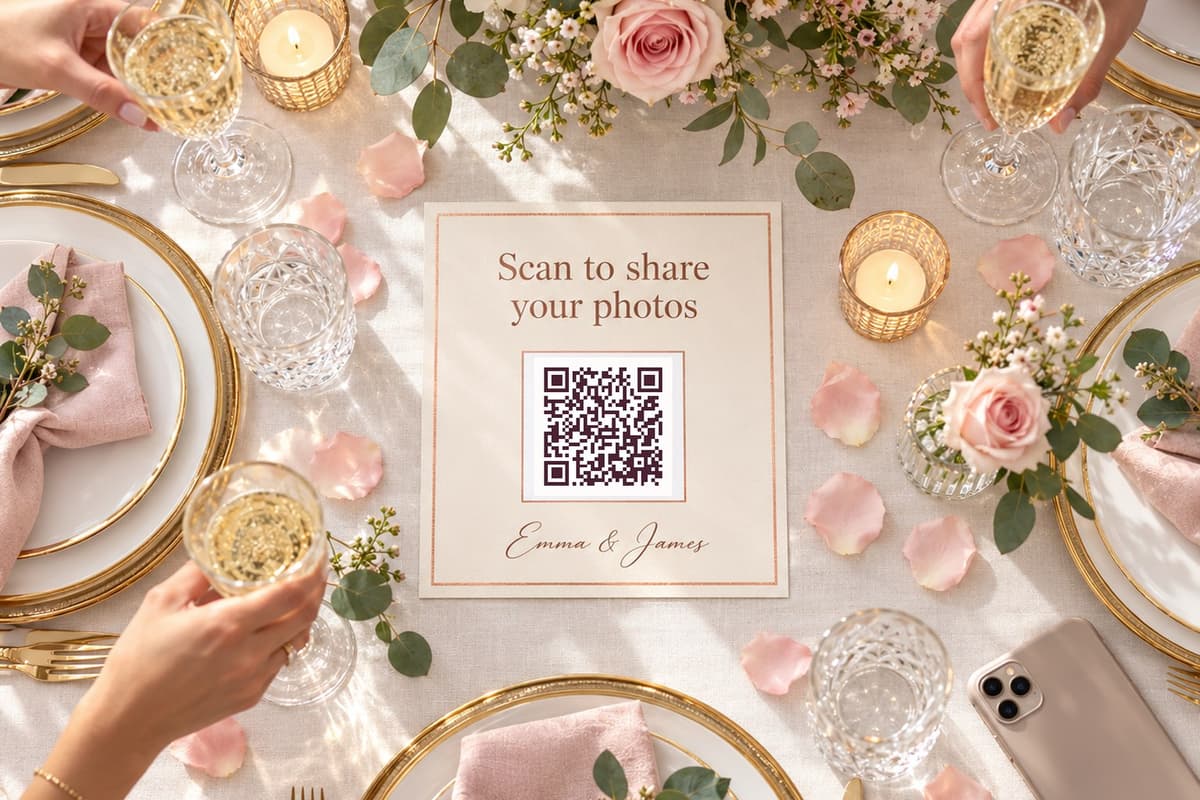
Table cards, a welcome sign, the bar and the photo booth. At least 1 inch (2.5 cm) wide, dark on light, with one line of text: “Scan to share your photos.”
- 6
Remind guests on the day
A word from the DJ or the best man, and a live slideshow of the uploads on a screen, multiply the number of photos you get.
Free or paid? Your four options
The QR code itself is the easy part — any generator makes one for free. What matters is where the code sends your guests: can every one of them upload, from any phone, without creating an account?
| Option | Cost | The catch | Best for |
|---|---|---|---|
| Google Photos shared album | Free (uses your Google storage) | Guests must sign in with a Google account to add photos | Couples whose guests mostly use Google already |
| iCloud Shared Album | Free | Only Apple devices can add photos; Android guests can at best view | All-iPhone families |
| Dropbox file request | Free up to 2 GB (Basic plan) | No account needed to upload, but 2 GB fills fast with videos; no gallery for guests | Small, photo-only gatherings |
| Wedding photo QR app | One-time fee per wedding: from $29 (Easy Wedding Album) to $89 or more on top plans | Paid — though several have a free trial | Weddings where you want every guest, videos, a slideshow and one place to download |
Comparing the paid apps? We keep an up-to-date comparison of 12 wedding photo sharing apps, plus head-to-heads with Guestpix, Kululu, Pix Wedding and POV.
The trap: QR codes that expire
Many “free” QR generators create a dynamic code that goes through their server — and switch it off when the free trial ends, sometimes after your cards are printed. Pick the static option, or use the code your album service gives you, and scan the printed proof before you order 150 table cards.
Printing and placing your QR code
- Size: at least 1 inch (2.5 cm) on table cards, 3–4 inches on a welcome sign read from a distance.
- Contrast: dark code on a light background, with a white margin. Gold foil and glossy finishes can stop phones from reading it.
- One clear line of text: “Scan to share your photos and videos with us” — guests should know what happens before they scan.
- Where guests wait: every table, the bar, the photo booth, the welcome sign and the ceremony programs. Add it to your wedding website for the rehearsal dinner and the brunch.
- Keep your hashtag if you have one: it's for social media; the QR code is for collecting. Need one? Try our wedding hashtag generator.
The no-DIY way: a wedding photo QR code in five minutes
If you'd rather not stitch together an album, a generator and a print file, a wedding photo QR code service does all of it. With Easy Wedding Album:
- Your album and QR code exist as soon as you sign up — start with the 7-day free trial, no credit card.
- Download the code as an image, or print the designed poster and the 4 table cards per sheet, on A4 or US Letter, with your own text and colors.
- Guests scan, choose a moment (ceremony, party…), add their first name if they want, and upload photos and videos in original quality — no app, no account.
- Show the uploads live on a screen at the reception, then download the whole album as a ZIP.
- One payment of $29, no subscription, 12 months of storage included.
Free trial
No credit card needed
Try it freeActivate whenever you want: same album, same QR code.
- 50 photos and videos
- Unlimited guests, no app
- 7 days to test everything
- Your QR code and share link
- Live slideshow on the big screen
- Personalization: title, colors, couple photo
- QR cards and poster to print
- One-click download of everything
- Removing our branding
- Moderation and password protection
Full album
Once. Not per guest, not per month.
Create my album- Unlimited photos and videos
- Unlimited guests, no app needed
- No subscription. After 12 months, you can extend for another year or keep your album forever. We'll email you before it ends. to upload and download
- Download everything in one click, original quality
- Live slideshow at the reception
- Remove our branding
- QR cards and poster to print
- Moderation and password protection
Frequently asked questions
Can I make a QR code for wedding pictures for free?
Yes. Create a shared album (Google Photos, iCloud Shared Album or a Dropbox file request), copy its link and turn it into a static QR code with any QR generator. The trade-offs: Google Photos asks guests to sign in with a Google account to add photos, iCloud shared albums only accept uploads from Apple devices, and Dropbox’s free plan stops at 2 GB — which a wedding’s videos can fill quickly.
Do guests need to download an app?
Not with a QR code that opens a web upload page. Guests point their phone camera at the code, tap the link and upload from the browser. Check this before you choose a service: some still push guests to install an app.
What size should the wedding QR code be?
At least 1 inch (2.5 cm) wide for table cards, and 3 to 4 inches (8 to 10 cm) on a sign people scan from a distance. Keep a white margin around it and print it dark on a light background.
Why did my QR code stop working?
Many “free” online generators create dynamic QR codes that redirect through their server and stop working when a trial ends. For a wedding, use a static QR code or the one provided by your album service.
Can guests upload videos with the QR code?
With most wedding photo apps, yes. With free options it depends on the storage you have: videos are large, and a full Dropbox or Google account will stop uploads.
How do I get all the photos after the wedding?
With a dedicated app you download the whole album in one go. Easy Wedding Album downloads everything as a ZIP in original quality, with your folders kept, or saves selected photos straight to the Photos app on iPhone.